A BACKUP IS USEFUL ONLY IF ANOTHER PERSON CAN FIND AND READ THE RIGHT INFORMATION.
Imagine your phone still works, but there is no mobile internet. You need a doctor's phone number, your insurance policy and the address of a relative you rarely visit. All three are stored behind a cloud login you cannot open. That is a preventable information problem, not an equipment shortage. A carefully organised offline folder can make everyday essentials accessible even when accounts, routers or phone services are unavailable.
This guide shows how to build an offline emergency information folder with paper copies, encrypted digital backups, safe storage and a realistic test. The important distinction is between information you need to read without power and files you need to recover when devices fail.
The two-copy rule: readable on paper, recoverable digitally
Paper works without a screen or password, so it is useful for phone numbers, meeting locations and immediate instructions. Digital media can hold larger documents, photos and maps, but it requires a compatible powered device, working file formats and sometimes an encryption key. Neither format is sufficient for every job.
For a modest household, aim for a short printed front sheet and a separately protected digital backup. The paper sheet should tell a responsible adult who to contact, where to go if necessary and where further records are stored. It should not expose passwords or detailed financial information to everyone who opens a cupboard.
The British Red Cross recommends paper contacts, important document copies, medication details and an agreed meeting point. The NCSC adds a key distinction: a backup should be stored separately from the original so that a single failure does not destroy both.
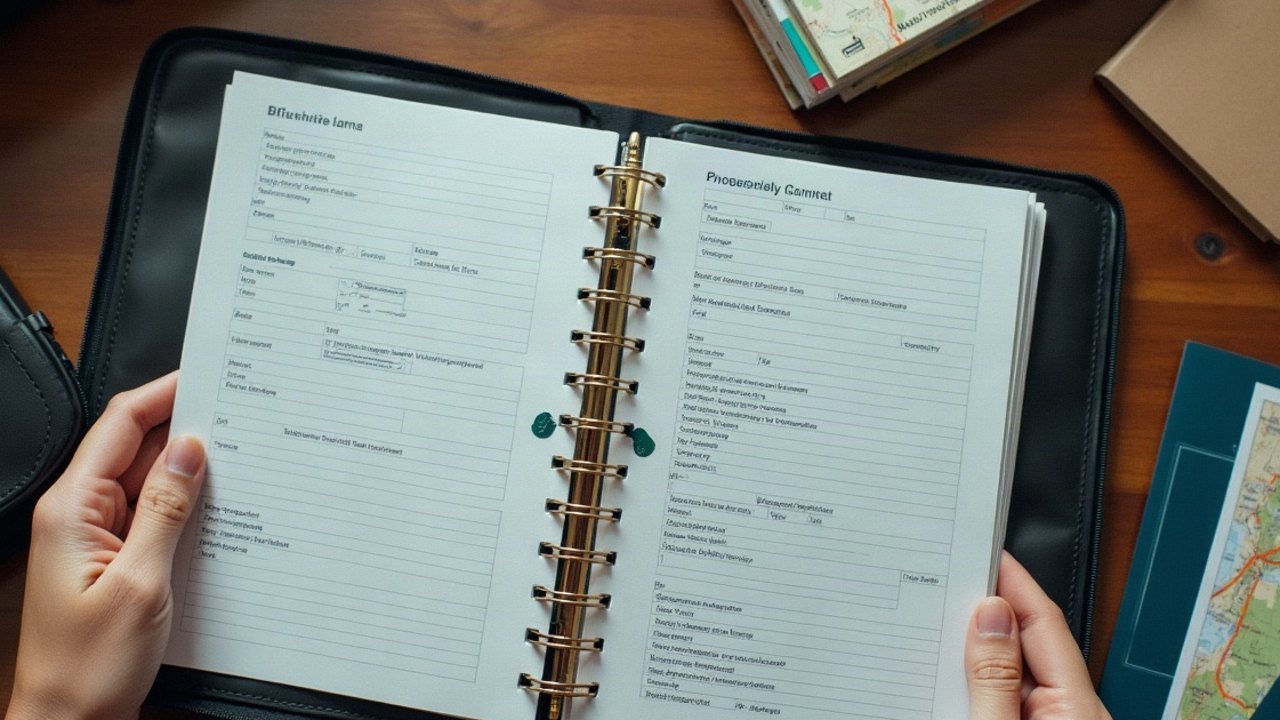
Make a folder structure that somebody else could understand
Whether using paper tabs or digital files, organise information by the action a person needs to take. Avoid an unsearchable dump of 400 screenshots and scanned envelopes. Keep clear names with dates rather than “DocumentFinal3.pdf”.
| Section | What belongs there | Use without internet |
|---|---|---|
| 01 – People | Essential phone numbers, addresses, trusted relay contacts, schools and carers | Printed contact sheet |
| 02 – Where to go | Home and meeting locations, paper map, accessible routes and alternate locations | Paper route sheet; offline map where appropriate |
| 03 – Medical continuity | Current medication list, key care contacts, relevant emergency instructions | Short private paper summary, securely accessible to authorised people |
| 04 – Household services | Utility provider numbers, meter or shut-off locations, appliance instructions | Printed summary and labelled equipment locations |
| 05 – Documents | Insurance, identification, essential certificates and relevant reference numbers | Safely stored copies; unnecessary personal detail kept private |
| 06 – Recovery | Where backups are held, how to restore them and who is authorised | Paper restore instructions without leaving passwords exposed |
Keep the visible front sheet brief. If someone needs only an emergency contact, they shouldn't have to search through medical scans or password recovery information. Use our printable household contact plan for the first section.
Decide which records actually deserve inclusion
Ask this question for each document: “What decision would be harder or unsafe if I couldn't retrieve this during an outage?” An insurer's contact details may belong on paper, while an entire ten-year email archive probably does not. A current prescription list may be useful for care continuity, whereas an old appointment reminder is less important.
Essential items can include a copy of your policy schedule, important service account references, passport or identity-document copies where appropriate, pet information and the contact details of someone who can help with medically required equipment. Keep information proportionate to the real needs of the household.
Do not copy unnecessary details such as full card numbers into a widely accessible folder. If another trusted person may need sensitive medical details, agree permission, access and storage in advance.
Paper maps: useful, but not every printed map is sufficient
Include a small local street map or a clearly written route to an appropriate meeting point. Add named landmarks rather than relying only on street numbers unfamiliar to a child. For rural or mountainous journeys, a suitable current topographic map and the skill to read it may be necessary; a general town diagram cannot replace navigation training.
Record an alternative if the primary meeting location is unusable. A flood, fire or road closure can make a normally convenient place unsafe. The plan should not tell people to travel through a dangerous area merely because the printed page says “meet here”.
Offline digital maps are useful only if map tiles and any necessary route information have actually been downloaded. Check the location and zoom level offline while at home; some apps display a GPS dot but leave the underlying map blank.
A digital backup is not the same as a synced folder
Cloud synchronisation keeps multiple devices current but may also replicate deletions or ransomware damage. The NCSC recommends an external storage device where internet access cannot be relied upon and advises disconnecting the device when not in use. That separation matters if a computer or account becomes compromised.
For a household, one approach is to create a carefully selected encrypted USB or external-drive copy, disconnect it after verifying the copy, and store it securely away from the original device. Another protected off-site copy may help against fire or flood. The best arrangement depends on cost, accessibility, volume and personal privacy needs.
Do not assume a backup is usable because the file icon appears in an explorer window. Open selected documents on a compatible offline device and verify their contents and legibility.
Protect the private parts of your information folder
Some contents—insurance numbers, identification scans and medical information—could be valuable to a thief or damaging if disclosed. The UK's Information Commissioner's Office explains whole-device and file-level encryption as controls for sensitive storage. The NCSC likewise recommends strong protection for backups.
Encryption creates its own dependency: if no authorised person knows the password or recovery process, the backup may be inaccessible precisely when needed. Use an appropriate recovery plan, not a sticky note with the encryption password stuck to the same drive.
Put publicly useful information—contacts, a safe address, general instructions—on the front sheet. Keep copies of identity papers and sensitive credentials in a locked or encrypted section accessible only to the people with a legitimate need.
Choose formats that will open without a subscription or cloud login
Portable, widely readable formats are preferable for emergency reference. PDF can preserve document layout; a plain-text contacts list can be opened on many devices; a standard JPEG image is useful for some photos. Editable formats may still be valuable, but check whether they require software you can launch offline.
For each essential digital file, test three things: does the device recognise the storage medium, does the file open without an internet sign-in, and can a person read the necessary text or image? A 3D-format document, a proprietary app backup and an encrypted zip file are not automatically equivalent to usable offline instructions.
Keep a simple “READ FIRST” note naming the folder contents and any necessary software, without disclosing secrets. Label different backup dates so an old document is not confused with a current one.
How to print only what a family needs immediately
A full paper copy of every account statement is unnecessary and can increase privacy risk. Try a front sheet no longer than one or two pages: emergency contacts, a meeting plan, essential medical-care contact numbers and how to locate locked documents. More detailed material can sit behind labelled dividers.
If someone needs large print, high contrast or an alternative language, prepare that version before an outage. Children should have age-appropriate contact instructions without being expected to handle sensitive records. Somebody with reduced dexterity may need a ring binder rather than loose sheets in a sealed envelope.
Make sure responsible adults know where the material is and can retrieve it without relying on one person's memory.
Protect physical records against fire, water and theft
A waterproof document pouch can help prevent incidental water damage, but it is not necessarily fireproof. A fire-resistant container may have particular test limitations and could still be lost in a major building incident. Choose sensible storage for the risks that affect the property, and put an appropriate extra copy elsewhere if the documents are critical.
Do not store every copy in the same vulnerable location: a home folder and USB stick left together in a damp basement can fail together. Likewise, an off-site copy needs permission, security and a way to retrieve it when needed. Accessibility and confidentiality are equally important.
The British Red Cross recommends protecting important document copies in a waterproof bag as part of an emergency kit.
One worked example: an internet outage with a medical appointment
Suppose broadband fails on the morning of an important medical appointment. The household needs to know the clinic address, time, contact number and the current medicine list. A one-page paper summary provides that information without forcing anyone to log into a portal. If the clinic is itself affected, the telephone number may not connect—but the household has still removed one preventable information failure.
Contrast that with a folder containing screenshots of old booking emails but no clear current appointment time. The problem is not a lack of data; it is an inability to find the right detail quickly and trust its date.
The ten-minute restore test
- Pick three records that are genuinely important: one contact, one policy or instruction and one map or medical-information item.
- Disconnect Wi-Fi and mobile data on a spare, non-critical device if safe to do so.
- Find each paper or digital record using only the folder instructions.
- Open the files and confirm that their important fields are readable.
- Check whether an authorised second person could locate the right section.
- Write down failures: missing file, unreadable format, wrong version or unavailable decryption key.
- Restore ordinary connectivity and correct those failures.
This test does not require switching off essential medical equipment or compromising your main device. Run it again after important address, insurance, contact or medical changes.
When to update the folder
Useful triggers include moving home, changing telephone providers, receiving a new prescription, changing schools, replacing a phone or switching insurer. Choose a recurring review interval that you can realistically maintain. Check the dates and remove obsolete copies securely.
Store the review date on the front page. The instruction “call this neighbour” is harmful if that person moved three years ago. The family check-in worksheet provides fields for the last update and the person responsible for maintaining it.
Frequently asked questions
What should an emergency information folder contain?
Start with contacts, meeting instructions, key medical and utility details, an appropriate local map, important document references and recovery instructions. Avoid keeping unnecessary sensitive information openly accessible.
Should I store passwords in the folder?
Not on an easily accessible front sheet. Use an appropriate secure recovery arrangement for authorised people, separating protected credentials from general emergency contacts.
Is a cloud folder enough?
Not when internet access or the relevant account could fail. An independently readable paper sheet and a verified disconnected backup add different kinds of resilience.
What is the most important folder test?
Confirm that someone other than the organiser can retrieve a necessary current record without internet, using the equipment actually available.